Light everyday use
Email, web browsing, shopping, and basic documents usually do not require a very expensive system, but you still want something responsive and easy to use.
There are a lot of computers to choose from, and the best one depends on how you actually plan to use it. Naples Computer Techs helps customers in Naples, Florida choose the right desktop, laptop, Mac, Windows computer, printer, and setup options.
There are a lot of computers to choose from today, and many buyers are not sure where to start.
Are you looking for a desktop computer with a monitor? Are you looking for a laptop? Are you looking for a Microsoft Windows product or an Apple product? What size screen do you want? Would an iPad do everything you want? Do you need a wireless printer too? What kind of processor is best? How much storage do you need? How much memory do you need?
We can help you with all of these questions and more. The best computer for you depends on how you actually plan to use it. Some people mainly browse the web and check email. Others work with documents, save lots of pictures, attend video calls, or want help printing, scanning, and using office software.
Before buying, it is smart to think about how much time you will spend on the computer, whether you will be working with documents, whether you will save, send, or edit photos, whether you need email setup, and whether you would benefit from training on the internet or everyday computer use.
There are still lower-spec computers on the market, and some may be fine for light use, but buying too little computer today can leave you frustrated sooner than you expect. Naples Computer Techs can help match the computer to your budget and your actual needs.
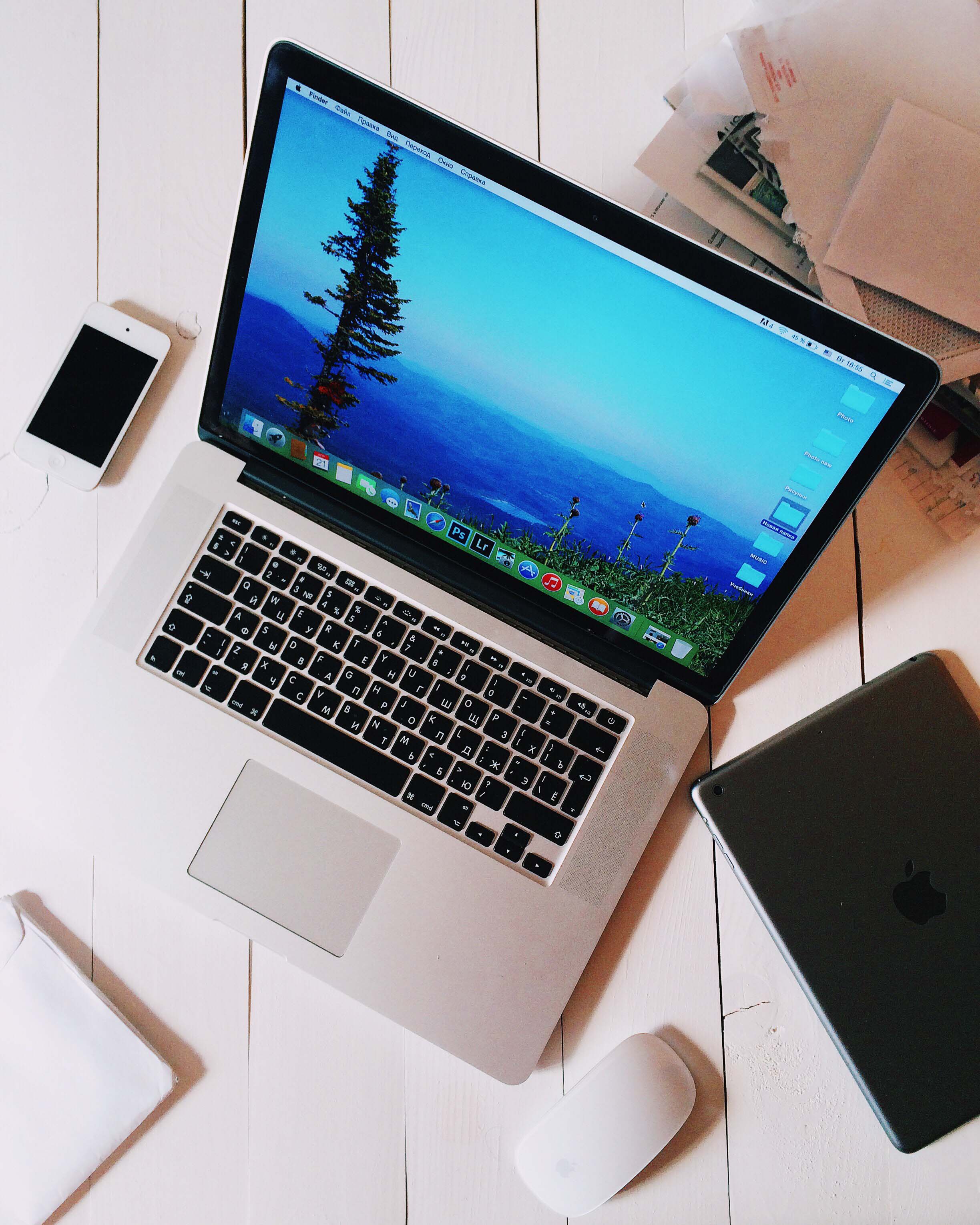
Naples Computer Techs helps buyers avoid overspending on the wrong machine or underspending on a system that will feel too slow too soon.
The best buying choice usually comes down to how and where you plan to use the computer.
Email, web browsing, shopping, and basic documents usually do not require a very expensive system, but you still want something responsive and easy to use.
If you work with documents, email, video meetings, and multiple browser tabs, a better processor, more memory, and reliable storage matter more.
If you save lots of photos, use many programs at once, or want the system to stay useful longer, choosing stronger specs up front is often worth it.
Buying online can be confusing because so many models look similar. Local guidance helps you focus on what actually matters for your use case.
The cheapest system is not always the best value if it feels slow, fills up quickly, or struggles with the tasks you need.
Some buyers spend too much on features they will never use. The goal is to get the right balance of price and performance.
Naples Computer Techs can also help with setup, email, printers, wireless connections, and one-on-one training after the purchase.
Call Naples Computer Techs for local advice on desktops, laptops, Macs, Windows systems, printers, setup, and training.